
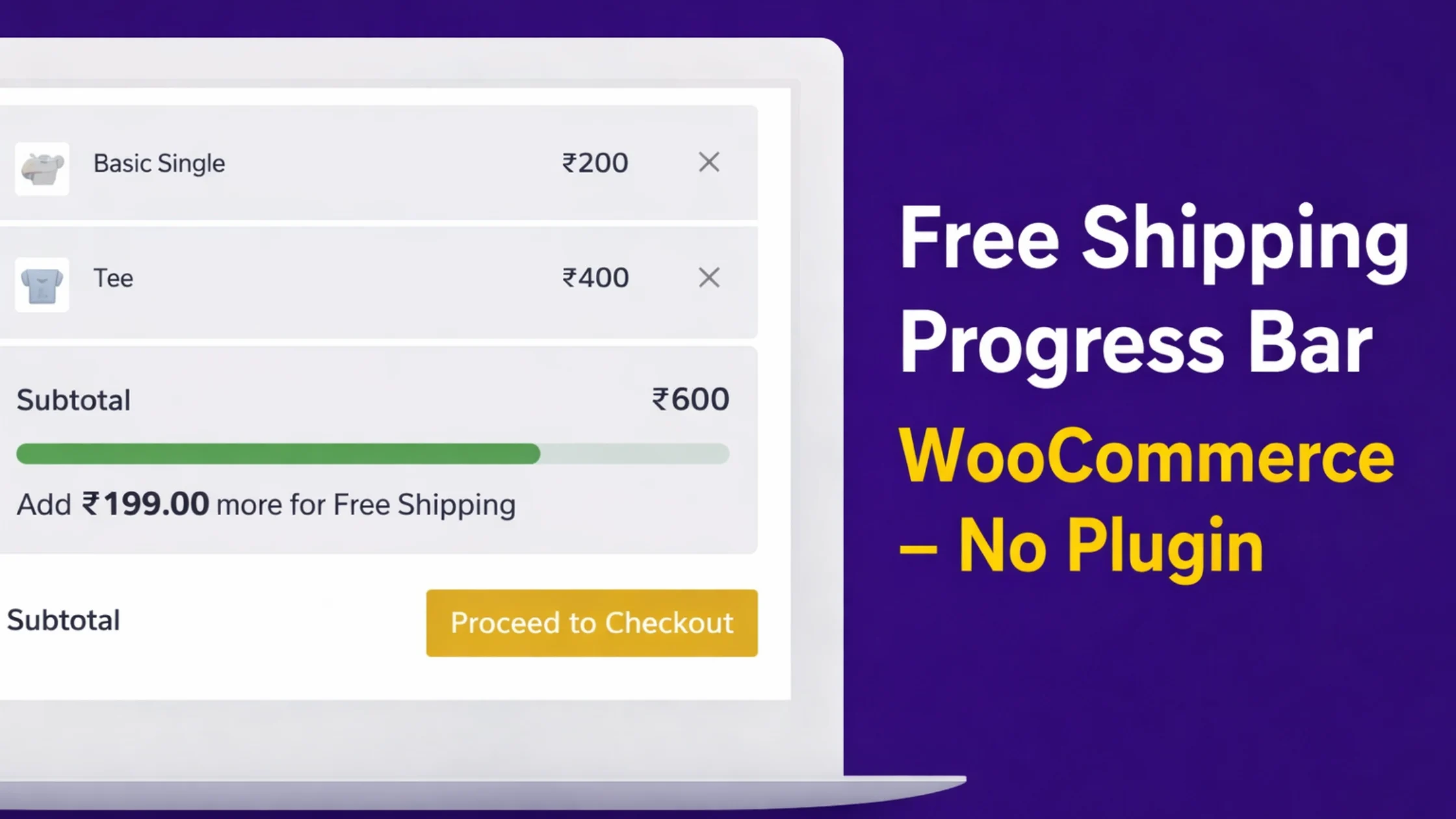
Free shipping is one of the strongest conversion triggers in e-commerce.
Instead of guessing, customers should clearly see how much more they need to add to unlock free shipping.
In this guide, you’ll learn how to add a Free Shipping Progress Bar in WooCommerce using custom code, fully compatible with the Kadence theme, without installing any extra plugin.
Why Use a Free Shipping Progress Bar?
A free shipping progress bar:
-
Encourages higher cart value
-
Reduces cart abandonment
-
Creates urgency without discounts
-
Works automatically with WooCommerce Free Shipping rules
This implementation reads the Free Shipping minimum amount directly from WooCommerce Shipping Zones, so you never have to update values twice.
Features of This Free Shipping Bar
-
Uses WooCommerce Free Shipping method as the source of truth
-
Auto-updates when cart value changes (AJAX)
-
Works on:
-
Single product page
-
Cart page
-
Checkout page
-
-
Kadence theme compatible
-
No extra plugin required
-
Lightweight and SEO-safe
Get Code: link
Prerequisites
Before adding the code, make sure:
-
WooCommerce is installed and active
-
Free Shipping method is enabled
WooCommerce → Settings → Shipping → Zones → Free Shipping -
Kadence theme (or any modern theme)
Add Free Shipping Progress Bar Code
Add the following code using the WPCode plugin, Code Snippets,
WPCode → Add New → PHP Snippet
Where the Free Shipping Bar Appears
-
Single product page – below price / add-to-cart
-
Cart page – above cart table
-
Checkout page – inside “Your order” section
The bar updates automatically when customers add or remove products.
Why This Method Is Better Than Plugins
-
No performance overhead
-
No tracking scripts
-
No conflicts with Kadence
-
No repeated price configuration
-
Fully controlled by WooCommerce shipping rules
SEO & Conversion Tip
Use a clear free shipping threshold like:
“Free Shipping Above ₹799”
Then let the progress bar visually guide customers toward that goal.
This combination increases Average Order Value (AOV) naturally.
Conclusion
This Free Shipping Progress Bar is a clean, professional solution for WooCommerce stores using the Kadence theme.
It improves conversions without adding plugins or complexity.
You can copy, modify, and extend this code freely for client projects or your own store.
Tested Theme Compatibility
This code works on:
-
Kadence
-
Astra
-
GeneratePress
-
Storefront
-
Block-based WooCommerce themes
It may not render correctly on themes that:
-
Remove WooCommerce hooks
-
Use fully custom product/cart templates
-
Replace checkout layout with hardcoded markup
In such cases, hook positions may need adjustment — not code logic
Disclaimer version
This free shipping progress bar is not limited to the Kadence theme. It is built using standard WooCommerce hooks and works with any WooCommerce-compatible theme. Kadence is referenced because it fully supports default WooCommerce layouts without requiring additional adjustments.
Also read :